To get the EDID status or setting from a AMX NMX ENC you need to open N-Able and select the unit you want to look into, double click on the units name and it will open the device view.
The following will demonstrate how to view the current EDID input into a AMX NMX Encoder and also how to read, set and reset EDID on the units.
To get the EDID status or setting from a AMX NMX ENC you need to open N-Able and select the unit you want to look into, double click on the units name and it will open the device view.
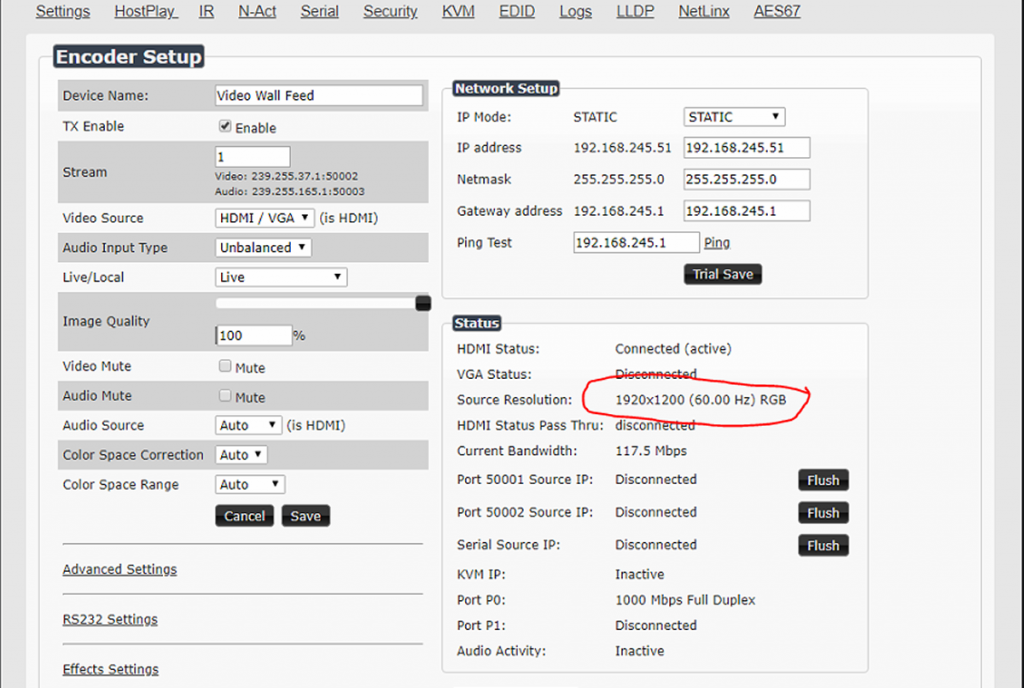
If you just need to see the source resolution quickly you can access it on the main page.

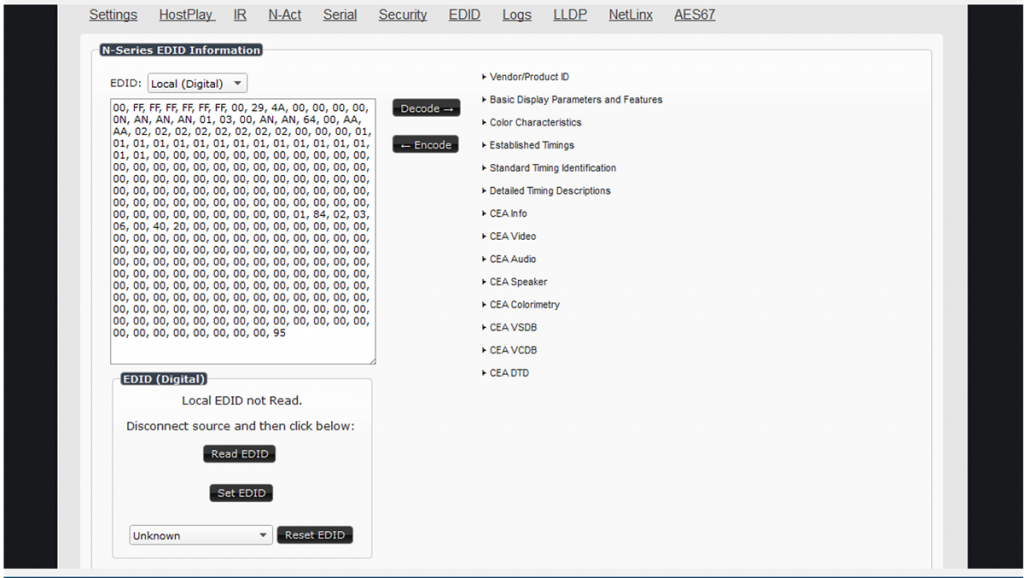
For more advanced settings, select the EDID option from the top bar
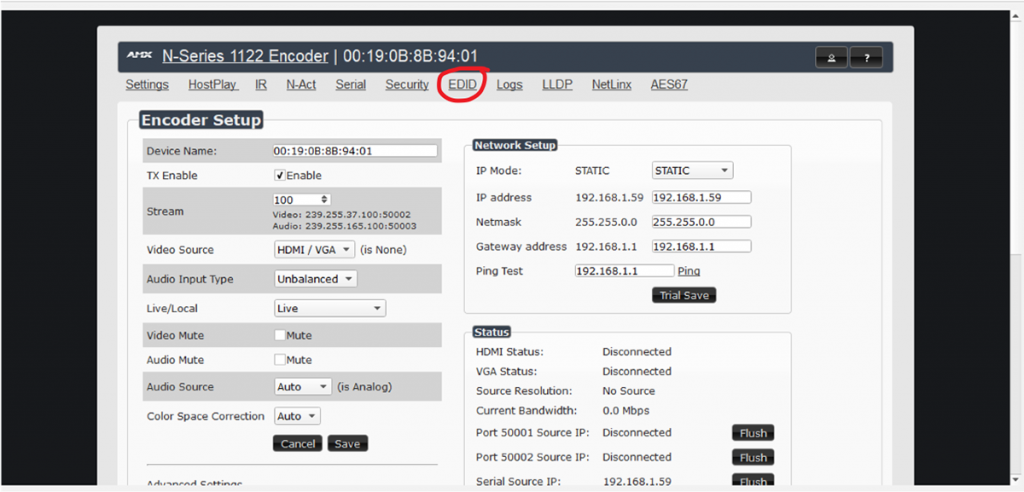
In the EDID window you can read, set and reset the EDID from the menu.
The content provided is supplied in good nature. JPRO cannot be held responsible if this info doesn’t resolve a issue or provide a solution to a problem.